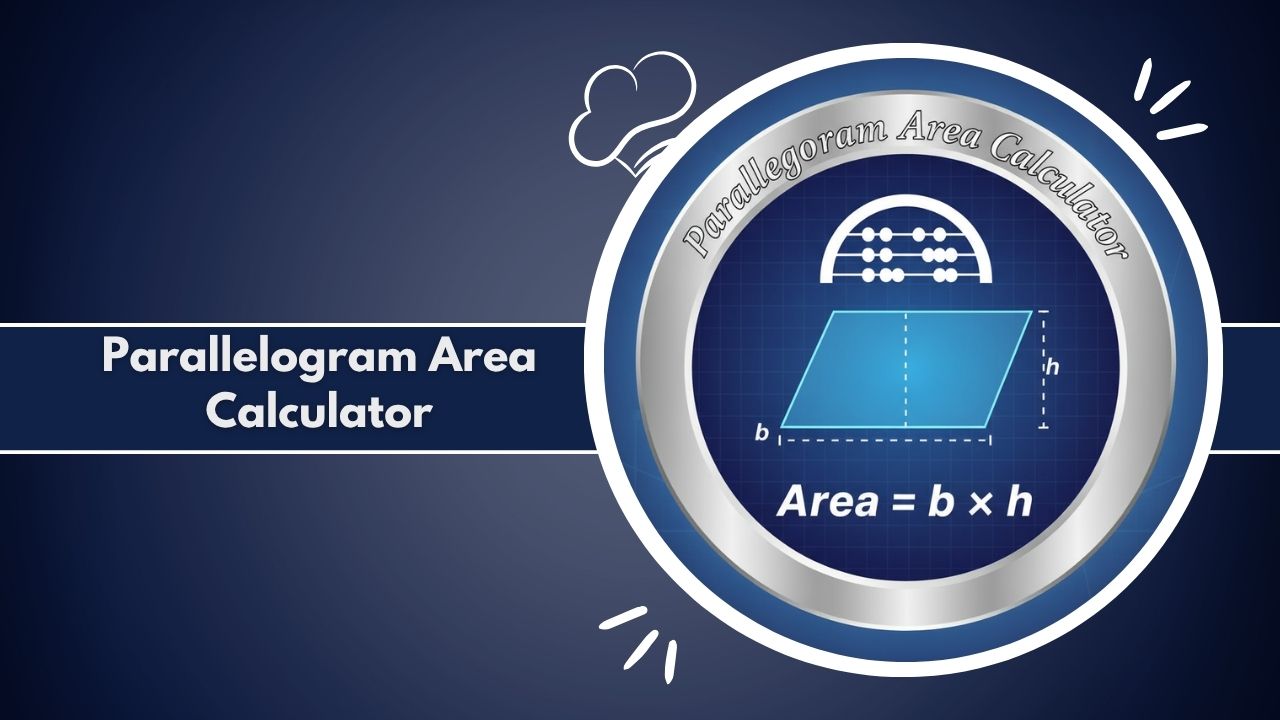
Use the Parallelogram Area Calculator to find the precise surface area and perimeter instantly. Simple, accurate geometry calculation for students, architects, and engineers. Measure any parallelogram now.
Parallelogram Calculator
Calculate area, perimeter, and other properties using different known values.
The Parallelogram Area Calculator is a smart, essential online tool designed for instant and accurate geometry measurement. Whether you are a student learning about two-dimensional shapes, an engineer specifying component dimensions, or an architect planning a floor layout, precise calculation of surface area is crucial. This Parallelogram Area Calculator eliminates the manual effort and potential math errors associated with complex formulas.
It offers exceptional flexibility by providing five distinct methods for area measurement, accommodating any known geometric sides, diagonals, height, or angle values. It can determine the precise area using the base and height method (A = b * h), or even by leveraging trigonometry with two sides and the included angle (A = a * b * sin(theta)).
The utility of the Parallelogram Area Calculator extends across various fields, from educational geometry to professional construction and detailed engineering design. This browser-based digital tool is completely free, requires no software download or login, and works instantly online to deliver immediate, verifiable results. Use the Parallelogram Area Calculator to ensure accuracy and boost your productivity today.
How It Works (Step-by-Step)
Using the Parallelogram Area Calculator is designed to be simple, fast, and highly accurate, making it perfect for quick academic checks or professional measurement tasks. The interface clearly guides you through the process in a few steps:
1. Select Your Calculation Method
The first step is to inform the Parallelogram Area Calculator what dimensions you currently know. Choose from the five available methods:
- Base and Height: The most common method.
- Two Sides and the Included Angle: Perfect for oblique parallelograms.
- Diagonals and their Intersecting Angle: Useful in surveying and certain geometry problems.
- Two Sides and one Diagonal: Uses the lengths of the three sides of a constituent triangle.
- Base, one Diagonal, and Adjacent Angle: A specialized method using the Law of Sines/Cosines.
2. Input Your Values and Define Units
Enter the known lengths (base, sides, diagonals) and angle values into the corresponding input fields. Importantly, you can also define your desired unit of measurement (e.g., cm, m, ft, in). This ensures the output is automatically delivered in the correct linear and square units (area). For instance, if you are working on a floor plan for construction, use meters or feet.
3. Click “Calculate”
Once all required inputs are entered, click the “Calculate” button. The Parallelogram Area Calculator instantly processes the geometry using the appropriate formulas. For base and height, the simple but fundamental formula Area = Base * Height is used. For the sides and angle method, the calculation uses A = a * b * sin(theta).
4. Review Detailed Results
The results section immediately appears, showcasing the primary output, which is the Area in square units. Beyond the area and perimeter, the Parallelogram Area Calculator provides a full breakdown of all calculated sides, the height, the angles, and the lengths of both diagonals. You can even view a comparison chart of these values or download the data as a CSV file for archiving and reporting.
Why Use This Tool
The Parallelogram Area Calculator is an indispensable digital tool because it perfectly bridges the gap between theoretical math and practical measurement.
Precision and Error Elimination
Manual geometry calculation is highly prone to human math errors, particularly when dealing with non-right angles or long decimal numbers. The Parallelogram Area Calculator ensures 100% accuracy by relying on verified, universal formulas executed digitally. This guarantees precision in every result, which is non-negotiable for professional tasks in engineering and architecture.
Unmatched Versatility and Speed
Traditional calculators often require lengthy input and calculation steps. This Parallelogram Area Calculator is designed for instant results. Furthermore, its five calculation methods mean you can handle virtually any parallelogram scenario without hunting for specialized formulas.
It adapts seamlessly to all parallelogram types, including the square, rhombus, rectangle, and the more complex oblique or rhomboid parallelogram. This versatility saves substantial time for teachers preparing lessons and professionals on a job site.
Detailed Breakdown for Learning and Verification
Unlike simple outputs, the Parallelogram Area Calculator provides a detailed breakdown of all resulting dimensions, including both interior angles, all sides, and both diagonals (p and q). This level of detail is invaluable for students learning the relationships within geometry and for engineers who need to verify the internal consistency of their design inputs.
Accessibility and Data Privacy
The Parallelogram Area Calculator is an easily accessible online tool compatible with desktop, tablet, and mobile devices, allowing for fieldwork measurement and checks. Critically, it operates entirely client-side, meaning absolutely no user input data is stored or transmitted. This commitment to data safety ensures complete privacy for all users. The user-friendly interface is specifically designed for a positive, efficient user experience, making complex geometry simple.
The Complete Guide to Parallelogram Area Calculation
The parallelogram is a fundamental shape in geometry, yet calculating its area and surface properties often involves more than the basic base times height formula. For professionals in architecture, construction, engineering, and design, as well as for students mastering math, an accurate and reliable Parallelogram Area Calculator is a crucial tool.
What is a Parallelogram?
A parallelogram is a quadrilateral (a four-sided polygon) with two pairs of parallel sides. The opposite sides of a parallelogram are equal in length, and the opposite angles are equal in measurement. Crucially, the sum of adjacent angles is always 180 degrees.
The key elements defining its geometry are:
- Sides: Two distinct lengths, usually denoted as a and b.
- Base (b): Any side can be considered the base.
- Height (h): The perpendicular distance between the base and the opposite side.
- Angles (alpha and beta): The adjacent angles.
- Diagonals (p and q): The line segments connecting opposite vertices.
The parallelogram family includes rectangles (where all angles are 90 degrees), rhombuses (where all four sides are equal), and squares (both a rectangle and a rhombus). Understanding these geometric relationships is the first step toward accurate area calculation.
Mastering Parallelogram Area Formulas
The area (A) of a parallelogram is the measurement of the surface enclosed by its boundaries. The choice of formula depends entirely on the dimensions you know. The Parallelogram Area Calculator instantly selects and executes the correct calculation method, providing fast precision.
1. Area by Base and Height
This is the most direct and simplest formula. It is derived by imagining slicing a right-angled triangle off one end and attaching it to the other to form an equivalent rectangle.
A = b * h
Where b is the base and h is the height. This formula is the foundation of the Parallelogram Area Calculator.
2. Area by Two Sides and the Included Angle
When the perpendicular height is unknown, but you know the lengths of two adjacent sides (a and b) and the angle (theta) between them, trigonometry is used.
A = a * b * sin(theta)
This formula is vital for working with oblique parallelograms and is a powerful feature of the Parallelogram Area Calculator. The angle must be greater than 0 degrees and less than 180 degrees.
3. Area by Two Diagonals and the Intersecting Angle
This method is commonly used in specialized geometry or surveying when measuring the sides is impractical. The area can be calculated using the lengths of the two diagonals (p and q) and the angle (gamma) at which they intersect.
A = 1/2 * p * q * sin(gamma)
The Parallelogram Area Calculator handles this complex calculation instantly, providing a quick measurement of the total enclosed surface.
4. Area by Sides and a Diagonal (Heron’s Formula)
If you know two adjacent sides (a and b) and the length of one diagonal (p), the parallelogram is divided into two congruent triangles. The area of one triangle is calculated using Heron’s formula, and the parallelogram’s area is simply double that value. This relies on the half-perimeter (s): s = (a + b + p) / 2.
A = 2 * sqrt(s * (s – a) * (s – b) * (s – p))
This advanced geometry calculation is performed accurately and quickly by the Parallelogram Area Calculator.
Real-World Applications Across Industries
The ability to perform accurate parallelogram area calculation is more than an academic exercise; it has critical applications in the professional world, where precision directly impacts cost and structural integrity.
Construction and Architecture
Architects and construction professionals frequently encounter parallelogram-shaped designs, especially in modern roof construction, wall measurement, and determining the surface area of non-rectangular rooms. The Parallelogram Area Calculator is used to:
- Floor Planning: Calculating the exact area of rooms with skewed angles to order flooring materials.
- Roofing/Tiling: Determining the required surface material (shingles, tiles) for gable ends or complex design elements.
- Cost Estimation: Providing the essential dimensions to estimate material and labor costs accurately.
Engineering and Design
In mechanical and civil engineering, parallelogram linkages and structural components are common. The Parallelogram Area Calculator helps engineers verify geometry and calculate shear forces or material requirements based on accurate surface measurement.
Land Surveying and Cartography
Land parcels and boundaries often take the shape of a parallelogram or can be divided into such shapes. Surveyors use the diagonals and their included angle to calculate the area of a plot of land with high precision.
Eliminating Manual Errors and Unit Conversions
One of the biggest advantages of a digital Parallelogram Area Calculator is its ability to handle math operations without human error. Common mistakes in manual calculation include:
- Mixing Units: Using feet for one side and meters for another without proper unit conversion.
- Angle Errors: Using the sine of the wrong angle or calculating with degrees instead of radians (which the tool handles internally).
- Approximation: Rounding intermediate steps prematurely, which destroys the final precision.
The Parallelogram Area Calculator automatically manages all unit conversions and maintains high decimal precision throughout the calculation. Users can easily switch between standard square units such as m^2, cm^2, ft^2, and in^2, making the tool universally applicable. By delivering reliable, instant results, the Parallelogram Area Calculator significantly increases productivity and confidence in the final measurement. It is a seamless fusion of advanced math formulas and practical digital accessibility, truly transforming how users approach complex geometry.
Technical Details
The Parallelogram Area Calculator is a finely tuned, client-side web application built for speed and complete user privacy.
Mechanism and Computation
The application is purely browser-based, utilizing JavaScript for its entire computational engine. When a user enters dimensions—such as the base and height, or sides and angle—and selects a unit, the code instantly executes the necessary geometry formulas corresponding to the chosen method. This instant calculation process means there is no backend processing and no reliance on external servers, contributing to its exceptional speed and data safety.
Inputs and Outputs
The Parallelogram Area Calculator features dynamic input fields that change based on the selected calculation method. All numerical inputs are rigorously validated to ensure they are positive real numbers and geometrically possible (e.g., adhering to the triangle inequality rule for diagonal inputs).
The output is delivered in real-time in the requested square units (e.g., m^2, cm^2). Key computed properties include the primary area and perimeter (displayed prominently), along with a detailed breakdown of all calculated sides, height, angles, and diagonals.
User Experience and Data Integrity
The responsive interface is designed using modern CSS to ensure seamless usability on any device (desktop, tablet, or mobile). The inclusion of Chart.js allows for visual data analysis through bar graphs, aiding in the comprehension of measurement relationships.
Furthermore, the Parallelogram Area Calculator provides two essential data export features: a CSV download (for structured data logging) and a share function (for quick clipboard copy of the summary text), ensuring calculated area and measurement can be easily integrated into documents or shared with colleagues. Importantly, the principle of no data stored ensures that every interaction remains private and ephemeral.
Frequently Asked Questions (FAQs)
What is the primary formula used by the Parallelogram Area Calculator?
Can the Parallelogram Area Calculator calculate the perimeter?
Is the Parallelogram Area Calculator free to use?
What are ‘square units’ and why are they important for area?
Can I calculate the area if I only know the four sides?
Who should use this Parallelogram Area Calculator?
Does the calculator store my input data?
Why does the tool give an error when I enter three side lengths?
Related Tools & Calculators: